
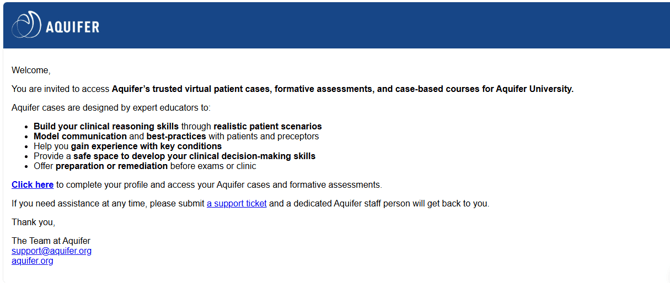

2. You will then be brought to the Aqueduct sign in page. Please enter with your institutional email that is associated with your Aquifer account and select Continue.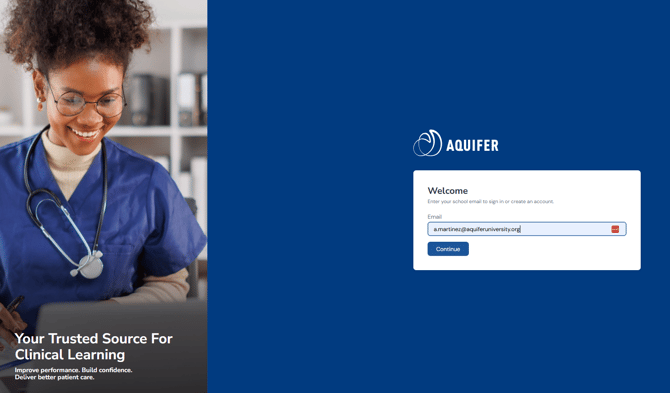
You'll then be prompted to log in with an appropriate method. In addition to your password, you may see a Google or Microsoft SSO sign in option. If it is available to you, you can opt to use it. Keep in mind, SSO options are managed by your institution and you may need to work with your program's IT team to request access to use SSO with our site.
3. Once your profile is completed successfully, you will be brought to your Home page.