-
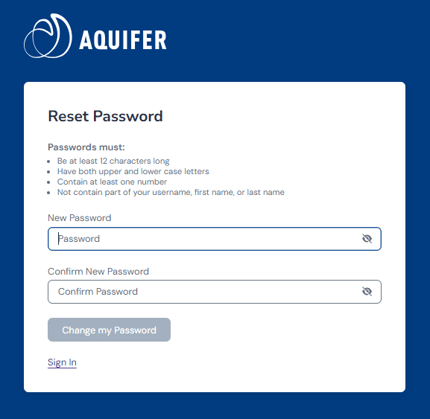
Passwords must be at least 12 characters long.
-
Passwords must contain at least one uppercase alpha character (A-Z).
-
Passwords must contain at least one lowercase alpha character (a-z).
-
Passwords must contain at least one number.
-
Passwords may not contain part of the username, first name, last name.
-
Users may not reuse passwords.
-
Passwords must be changed at least every 180 days. If it is not changed, the system will send you an automated email to change your email address. If you're unable to locate this email, contact Aquifer Support.
Reset your password
1. If you forget your password, Aquifer can help you regain access to your courses and information right away. From the Sign In page, enter your institutional email address and click Continue.
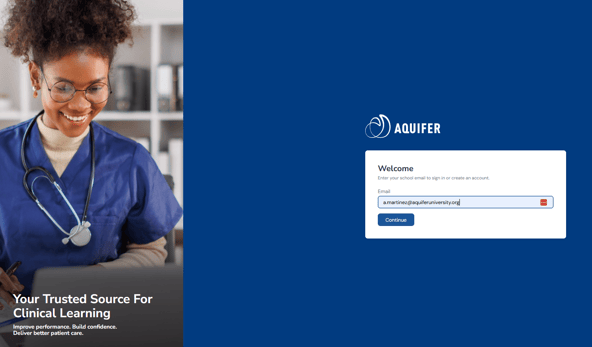
2. Next, select Forgot Password. You'll then receive an email with steps to reset your password. When you reset your password, you'll reset it with the password rules in mind.